AI Doctor:
Real-time AI Avatars
and AI holograms
for healthcare
A virtual medical receptionist for the patient conversations that don’t need a clinician: intake, follow-ups, check-in, scheduling, health information.
Pressure falls on routine, high-volume interactions
Much of the burden starts inside the patient conversation itself: asking the same history and intake questions, then recording every answer.
Staff shortages
WHO projects a global shortfall of 11 million health workers by 2030.
Documentation burden
Filling in medical documents adds to the daily workload of clinicians and staff.
Waiting times
Patients wait weeks for a first consultation, while routine questions fill every visit.
What is AI Doctor? An AI medical receptionist
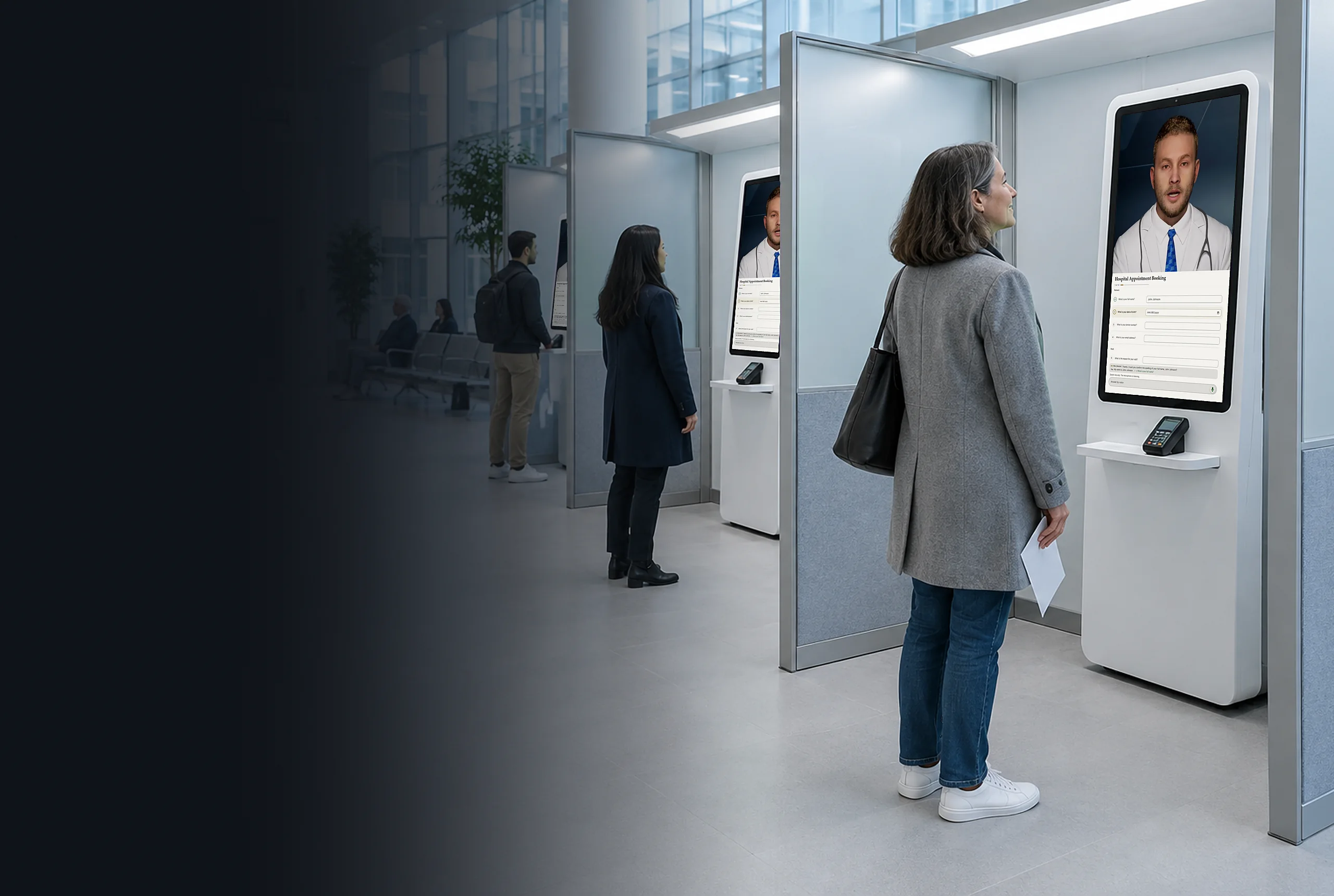
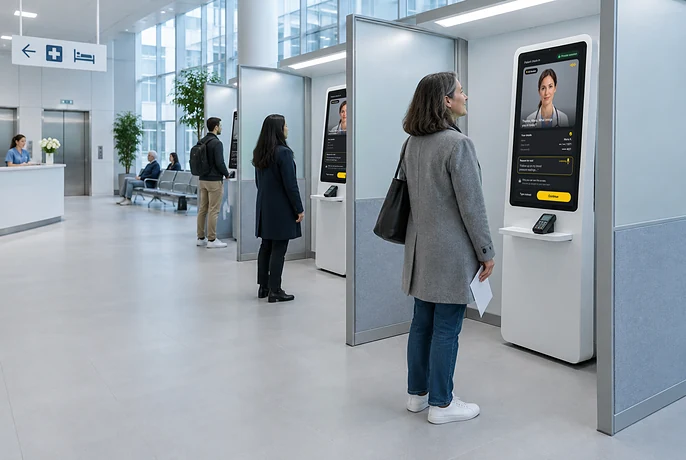
AI Doctor is a real-time AI avatar for hospitals and clinics that handles routine patient conversations, from the front desk to AI patient intake. It works as a virtual medical receptionist on your website, in your mobile app, at a kiosk, or as a life-size Holobox hologram, so your staff can focus on the patients in front of them.
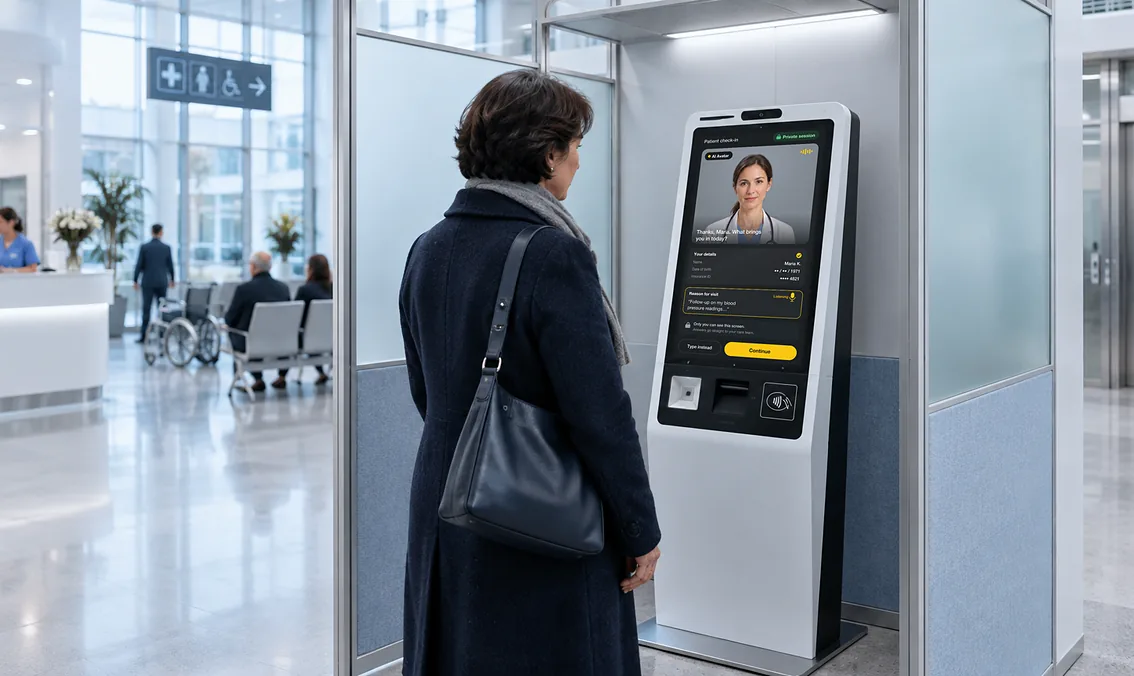
- Patient intake. Patients answer by speaking or typing, and the clinician gets the answers before the visit.
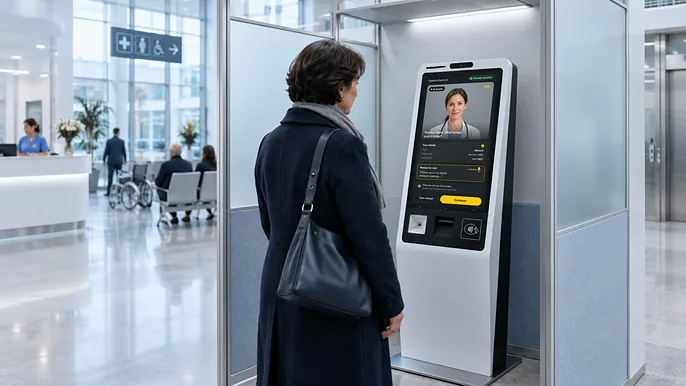
- Check-in and registration. Patients register and check in at a patient check-in kiosk or on your website.
- Booking and reminders. Patients book, reschedule, and cancel appointments, and answer reminders as a conversation.
- Routine questions. Opening hours and visit preparation, answered by the avatar.
Anything clinical goes to your staff, with the conversation record attached. AI Doctor doesn’t provide triage or medical advice.
What an AI healthcare assistant changes
for patients and staff
For your organisation
Lower staff workload
The avatar takes the repetitive conversations, so staff time goes to the patients who need a person.
More capacity, same staff
One avatar talks with many patients at once on web and mobile; each kiosk or Holobox adds more.
Consistent answers
Patients get answers from content your clinical team approved, the same on every channel.
For patients
A face-to-face conversation
Patients talk to a lifelike avatar that listens and answers. A more natural way to get help.
Attentive service every time
The avatar stays calm and patient in every conversation, day or night, however busy the front desk gets.
Help without waiting
Patients get information and complete routine steps right away, without queuing for the front desk.
AI avatars in healthcare: Virtual Hospital, Italy
Built with Virtual Hospital, Italy, a project led by cardiologist and AI researcher Dr. Marco Mazzanti. The avatar is the patient’s first point of contact: it runs the intake conversation and passes symptoms, risk factors, and medical history to a physician. Presented live on stage in Ancona, at the AI in Healthcare conference ahead of the G7 Health Summit.
“By embracing AI, we’re not just solving today’s challenges; we’re designing a healthcare system where accessibility, compassion, and precision are the new standards for everyone.”
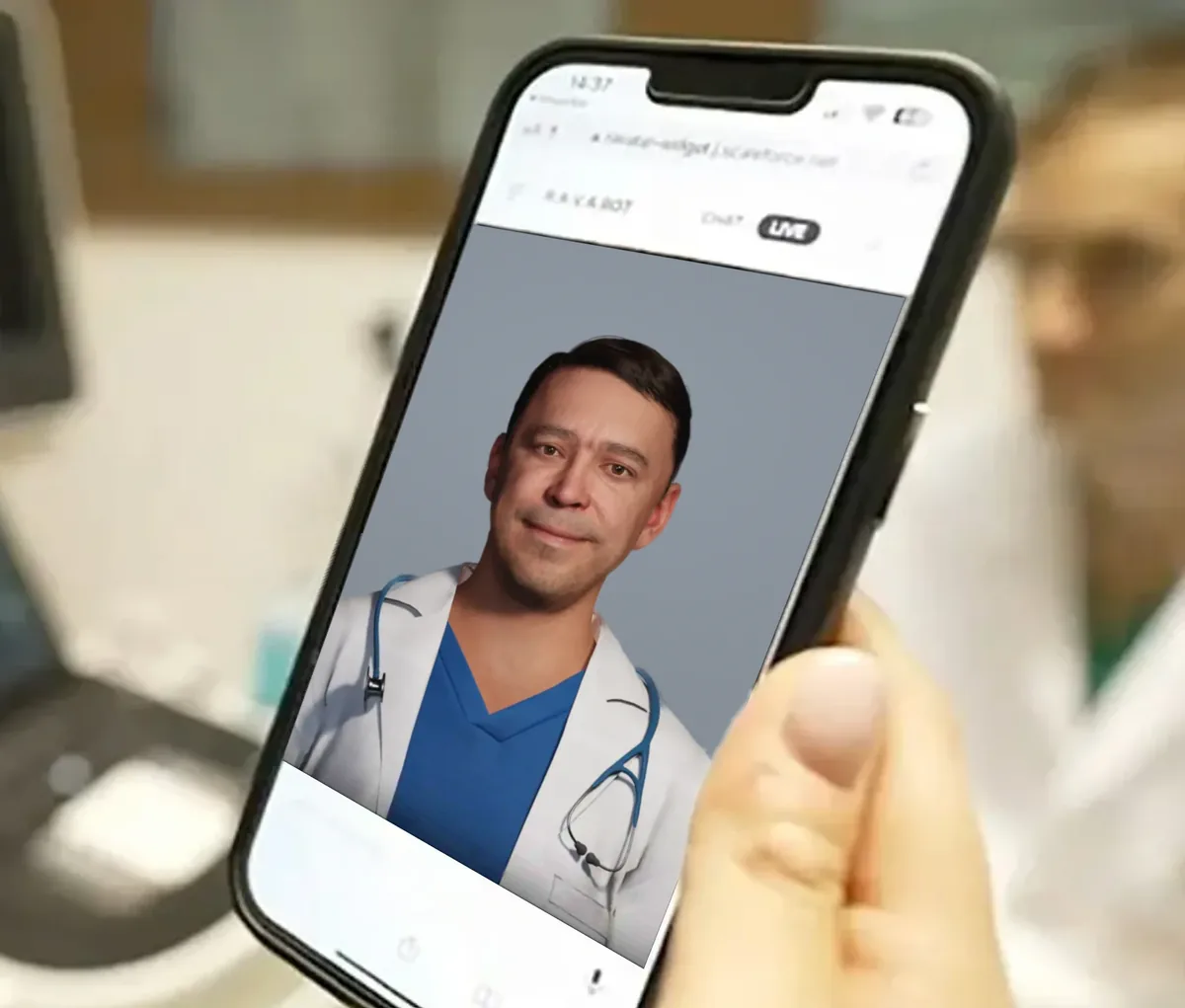
AI avatar roles in patient care and staff training
Each role is an Interactive AI Avatar trained on your own content.
Start with the role you need first and add others later.

AI patient follow-up
and recovery check-ins
After a visit or discharge, the avatar checks on recovery and answers routine questions. Patients talk to it at home, on their phone or on your website. One avatar can check in with many patients at once. Your team sees what patients ask after the visit.
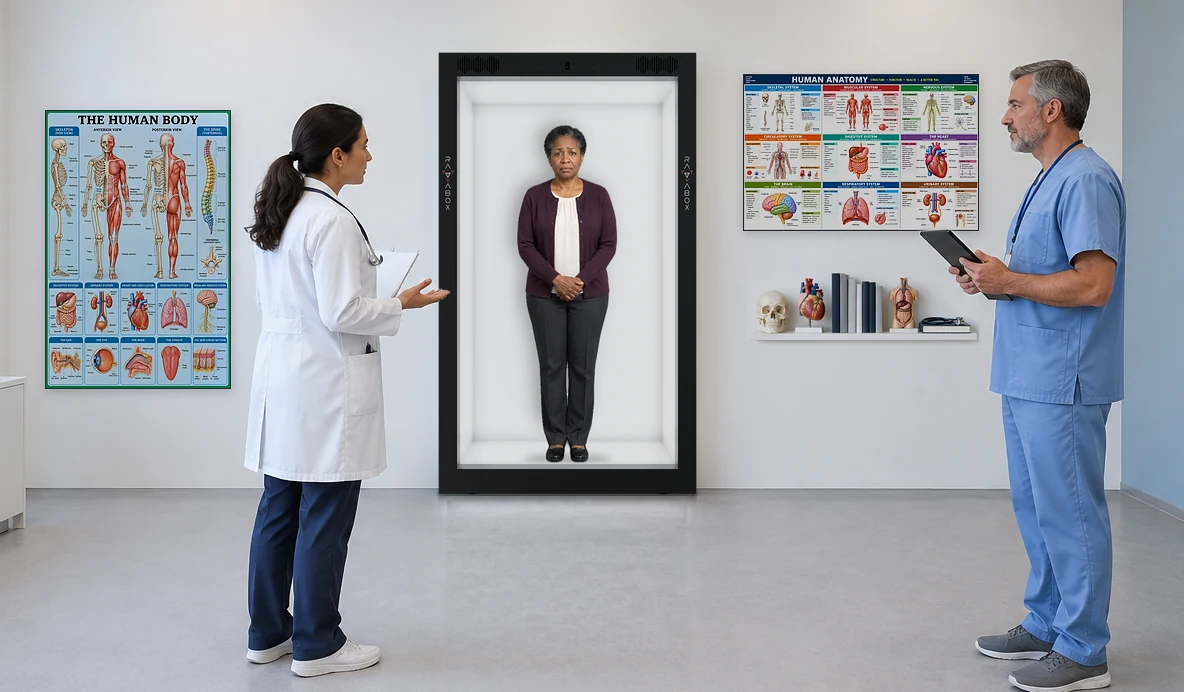
AI avatar for medical staff training
Medical staff rehearse patient conversations with a virtual patient: a life-size AI hologram in a Holobox. Sessions are realistic, repeatable, and available on demand. Your team builds each scenario in Genesis AI Avatar Studio from your own protocols. Each role can have its own avatar.
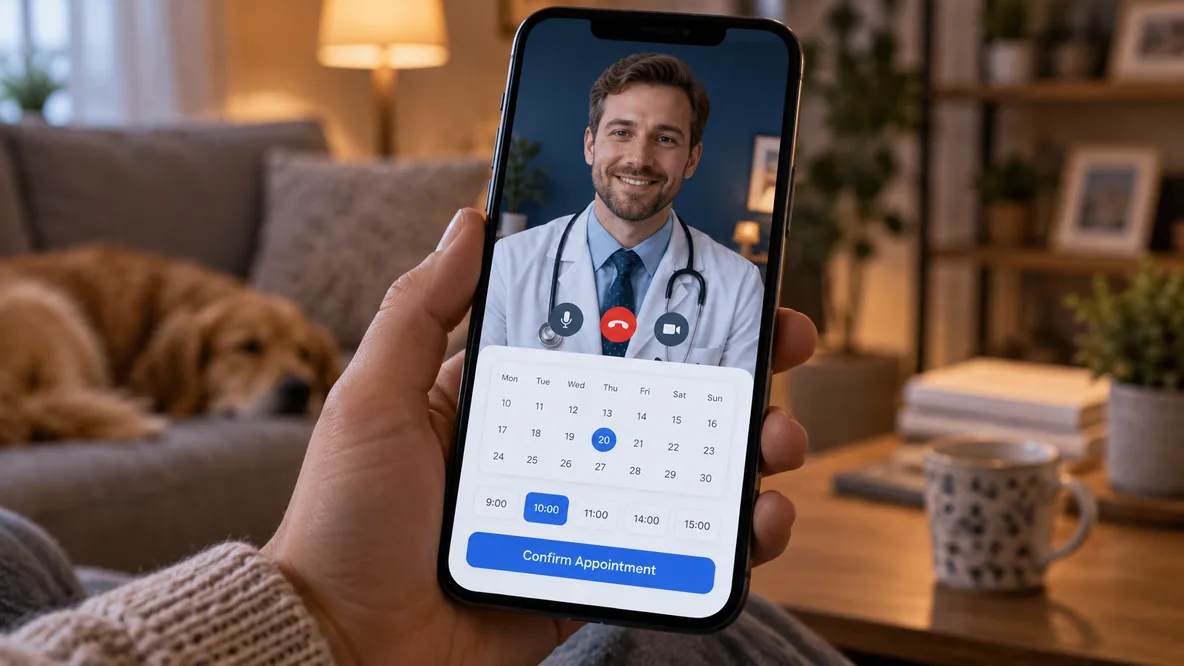
AI appointment scheduling
and patient reminders
Patients book, reschedule, and cancel appointments by talking to the avatar, without calling the front desk. They do it on your website or in your mobile app, day or night. Reminders arrive as a conversation the patient can answer. Each patient talks in their own language.

AI health information
and patient education
The avatar explains procedures, preparation, and aftercare in plain language. Patients ask in their own words and in their own language. Every answer comes from content your clinical team approved. Your team keeps that content up to date in Genesis AI Avatar Studio.
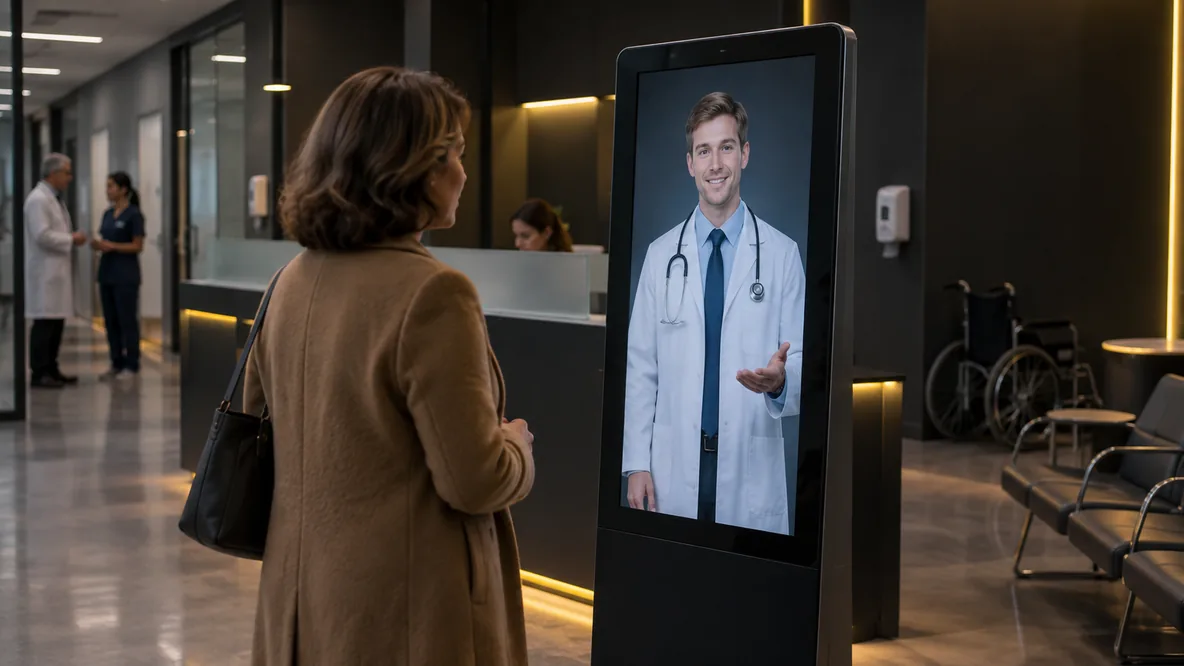
AI patient navigation
At a kiosk or a life-size Holobox in the lobby, the avatar greets patients and directs them to the right department. It answers questions about directions in the patient’s own language. Patients don’t queue at the front desk to ask the way. Your team sees what patients ask most.
The avatars provide information, not medical advice.
When a patient needs a clinician, the avatar hands the conversation over to your staff.
Sovereign AI avatars:
patient data stays under your control
Health data and voices are among the most protected data in any country. Choose how isolated AI Doctor runs. Your IT team decides who has access, which AI models run, and when to update.
In your country
Private cloud
Your private cloud, or a sovereign cloud in your country or region.
On-premise
Your own servers. Patient data stays on site.
Air-gapped
No internet connection. No data leaves your network, not even to us.
Fully isolated
How we define a sovereign AI avatar: read Ruslan Synytsky’s article →
Conversational healthcare AI with a face and a voice
Conversational AI in healthcare: one AI Doctor for every patient, at every step.


Real-time conversation
Patients speak, and the avatar answers aloud.
Lifelike expression
Lip-sync, facial expressions, and gestures.
Your knowledge base
Answers from the content you load.
Handover to staff
Passes anything else to your team.
40+ languages
Patients hear it in their own language.
Session analytics
See what patients ask and where it hands over.
Your AI stack
Use your own AI and speech models.
Every channel
Web, mobile, kiosk, or a life-size Holobox.
How AI patient intake works
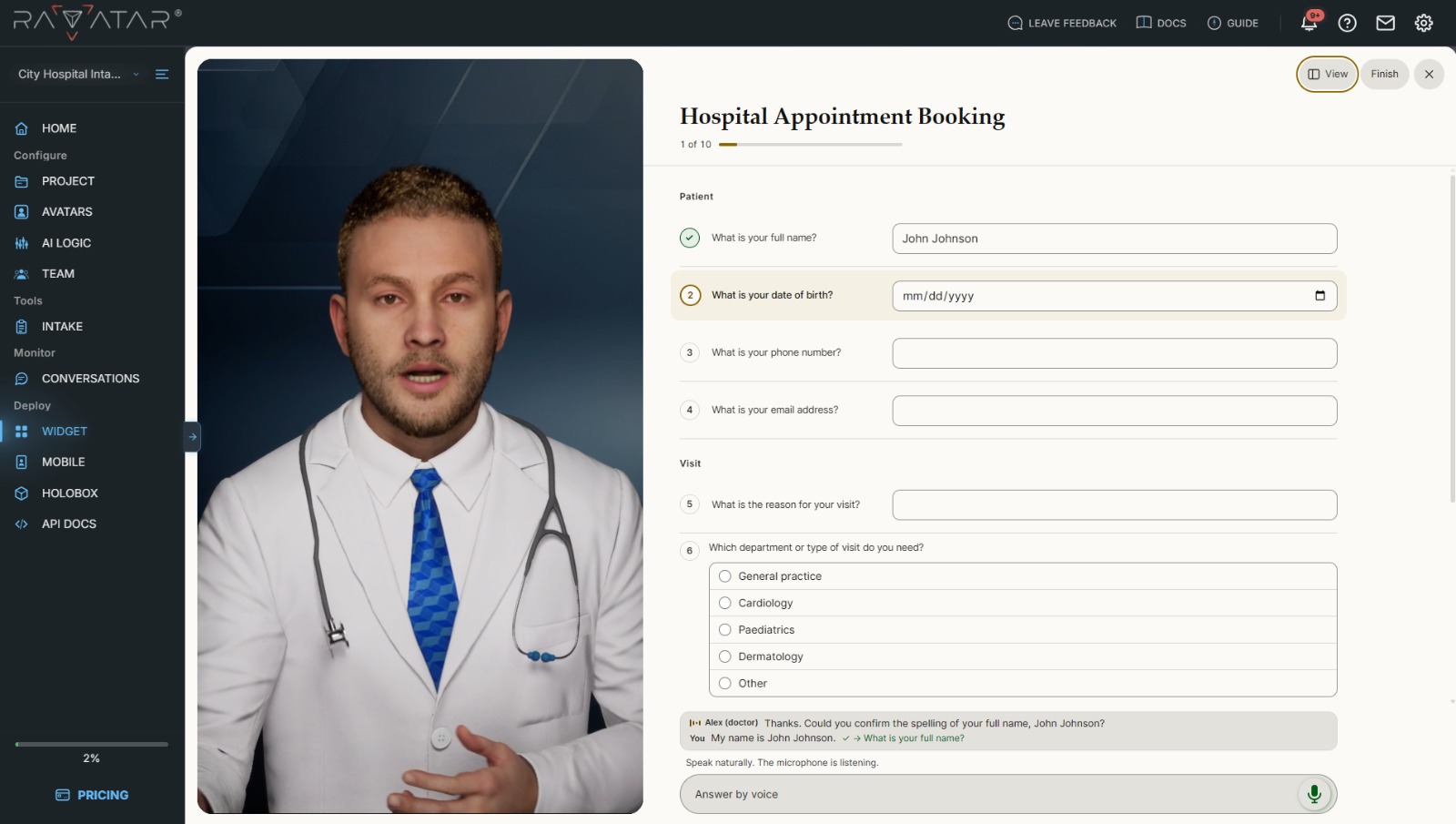
01
Set up your intake form
Pick a ready-made form, or upload your own PDF or Word form.

02
Patient talks to AI Doctor
Online or at a kiosk, by voice or text, in their own language.
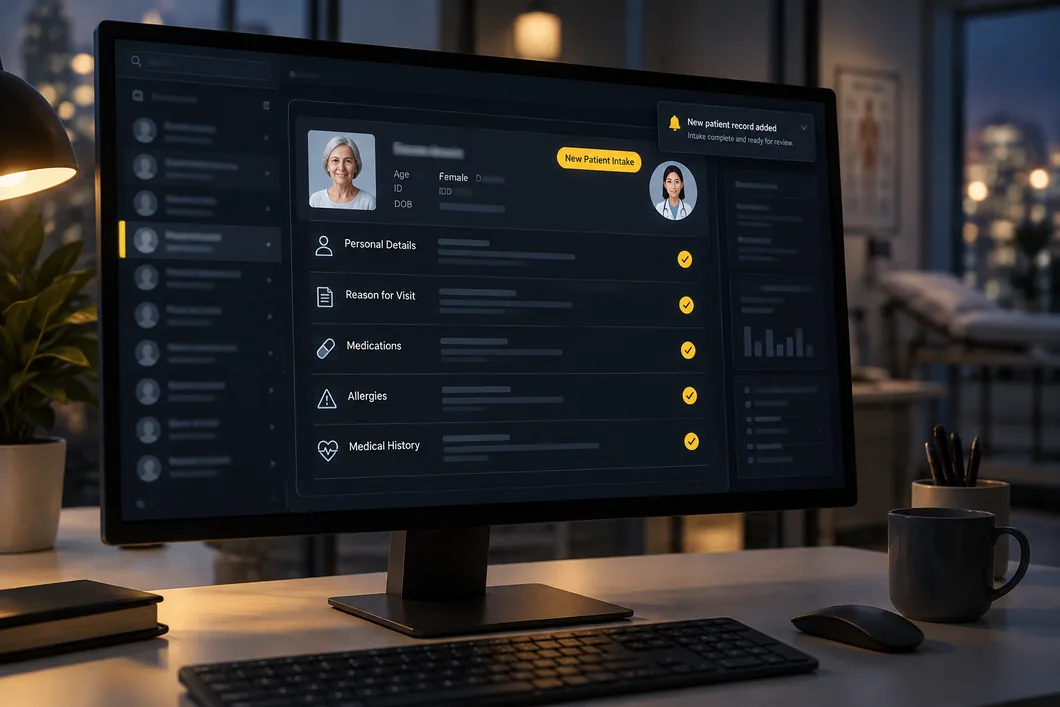
03
Intake lands in your system
The completed intake arrives in your system, in the order you set.
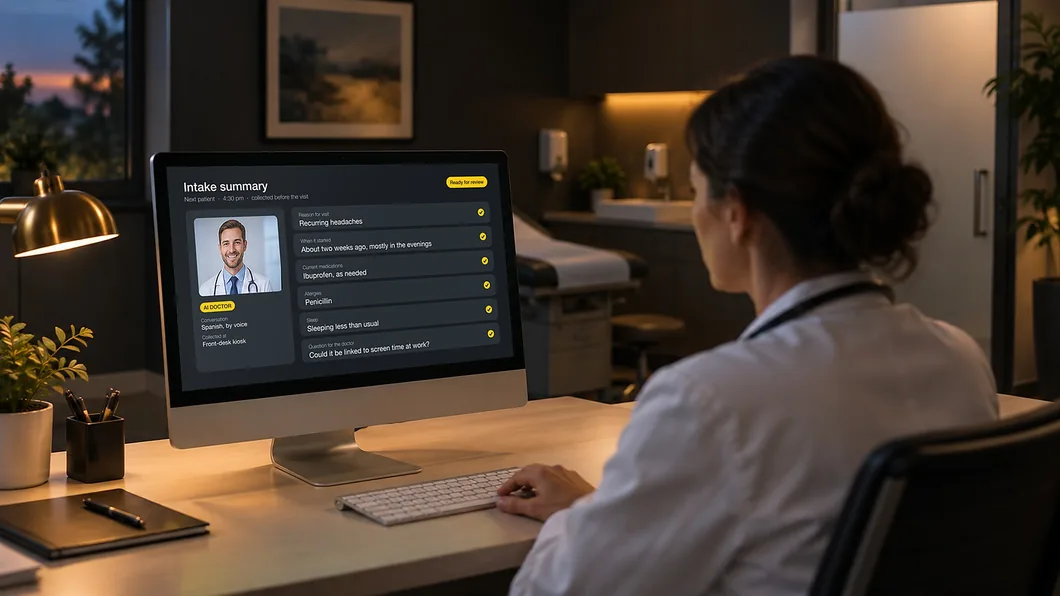
04
Clinician comes prepared
The clinician reviews the answers before the consultation.
AI Doctor FAQ for healthcare leaders
What does AI Doctor do in a hospital or clinic?
AI Doctor takes on routine interactions with patients and staff in a hospital or clinic: patient intake, scheduling, health information, follow-up, and medical staff training. When a person is needed, it hands the conversation to your team.
Is AI Doctor an AI medical assistant or a healthcare chatbot?
It is an AI medical assistant with a face and a voice. An AI healthcare chatbot answers in text. AI Doctor holds a spoken, face-to-face conversation as a full-body avatar, using the same approved content.
Can AI Doctor work as a virtual medical receptionist?
Yes. At the front desk, on your website, or at a patient check-in kiosk, the avatar greets patients, checks them in, runs the intake conversation, and handles booking and routine questions. Anything clinical goes to your staff, with the conversation record attached.
Does an AI Doctor avatar replace clinicians?
No. It handles routine interactions. When a patient needs a person, the avatar hands the conversation to your staff, with the conversation record attached.
Can an AI Doctor avatar diagnose or tell a patient what their symptoms mean?
No. The avatar provides information from content your clinical team approved. It does not give medical advice, diagnose, interpret symptoms, triage, or prescribe. Anything outside the approved content goes to your staff.
Do patients know they are talking to an AI?
Yes. The avatar tells patients they are talking to an AI, and a notice on screen says so too.
Can the AI avatar run on-premise or air-gapped?
Yes. It runs air-gapped with no internet connection, on-premise on your own servers, or in your private cloud or a sovereign cloud in your country or region.
Does AI Doctor meet GDPR and the EU AI Act?
AI Doctor is designed to meet GDPR and the EU AI Act. You choose where it runs: in your private cloud, on your own servers, or fully air-gapped, and in those deployments no patient data goes to third-party AI providers. The avatar tells patients they are talking to an AI.
Which AI does the avatar use, and can we bring our own?
You can use your own. The language, speech-to-text, and text-to-speech models can be swapped, and the avatar connects to your own knowledge base. You can also start with providers we have already integrated and switch later. In a private-cloud, on-premise, or air-gapped deployment, no patient data goes to third-party AI providers.
Does it connect to our existing systems?
It connects to your CRM and internal systems, and the completed intake goes into your system. It embeds in web and mobile with one line of code. We scope the integration with your team during the pilot.
Where can patients meet the avatar?
On your website, in your mobile app, at an AI kiosk, and as a life-size AI hologram in a Holobox, with the same avatar and knowledge on each, in 40+ languages.
How do we set up and customize the avatar?
In Genesis AI Avatar Studio. Your team sets the avatar’s look, voice, knowledge, and behaviour, and each role can have its own avatar. See the docs.
How does a pilot work?
You choose the role and location for the pilot. We load your approved content into Genesis AI Avatar Studio and deploy the avatar. It runs for an agreed period, we review the conversation analytics with your team, and you decide what to add.
What does an AI avatar for healthcare cost?
The cost depends on the avatar and the deployment mode. See plans and prices, or contact us to scope a pilot.
Set up your AI Doctor in Genesis AI Avatar Studio
Build your healthcare AI avatar yourself, without a development project.
- Set the look and voice to match your hospital’s brand.
- Load your FAQs, preparation sheets, and approved patient information.
- Publish to web, mobile, kiosk, or Holobox.