Pacemaker Clinic Questionnaire
What a pacemaker clinic questionnaire asks, with sample questions for pacemaker and ICD clinic teams.
This pacemaker clinic questionnaire page shows questions on device details, symptoms, shocks, and changes in health or medicines before a pacemaker or ICD check. They are a typical set built from a Paperform device-check template and a University Hospitals Sussex device clinic leaflet.
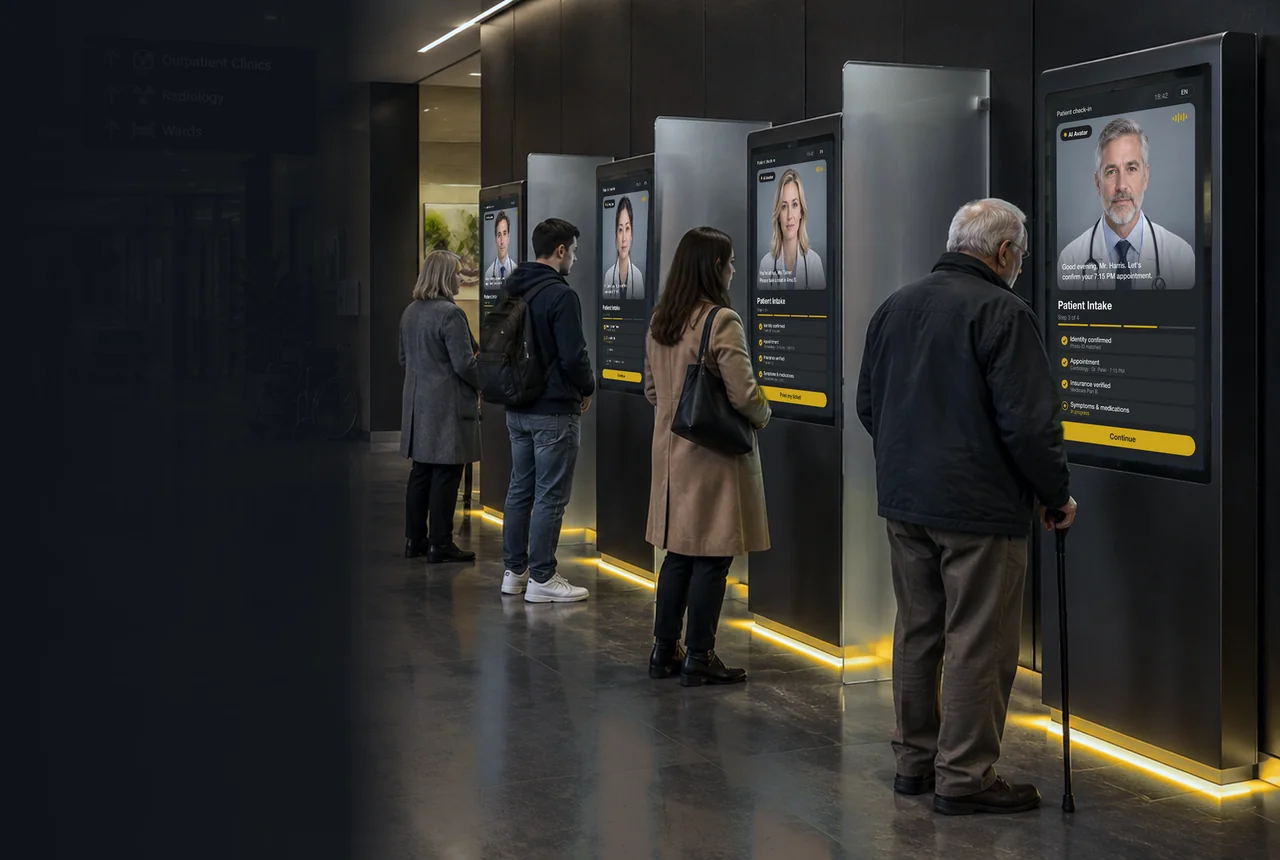
Pacemaker clinic questionnaire, handled by the AI Doctor avatar
AI Doctor, a real-time AI healthcare assistant avatar, asks the questions on a pacemaker clinic questionnaire in the patient's own language, strictly following the practice's instructions.
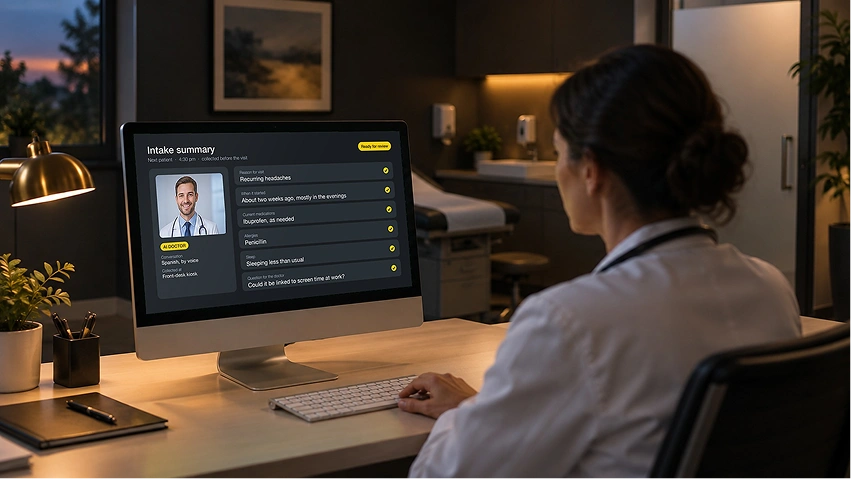
- Intake before the visit. Patients answer online before they arrive, or at a kiosk when they check in.
- Answers ready for the clinician. Clinicians see what the patient said before the visit starts.
- Less workload at the front desk. Staff spend less time handing out forms and entering answers by hand.
- Key details at a glance. The care team sees what matters up front and decides who needs attention first.
The form becomes a natural conversation: patients answer by talking, in their own words. AI Doctor is an information and patient-assistance interface. It collects answers for the care team to review. It doesn't diagnose, triage, or give treatment advice.
Sample pacemaker clinic questionnaire questions
Typical questions, written out so you can see the level of detail. Every practice words its own form differently.
- What type of device do you have?Device details
- Which company made your device?Device details
- When was your device implanted?Key dates
- When was your last device check?Key dates
- Have you felt dizzy since your last check?Symptoms
- Have you noticed your heart racing or pounding?Symptoms
- Has your device given you a shock?Shocks
- How many shocks have you had, and when?Shocks
- Any hospital stays since your last check?Health changes
- Have you had any new diagnoses?Health changes
- Which medicines do you take now?Medicines
- Have any of your medicines changed?Medicines
These are examples to read, not a form to fill in.
Pacemaker clinic questionnaire: FAQ
What does a pacemaker clinic questionnaire ask?
The questions on this page are a typical set built from a Paperform device-check template and a University Hospitals Sussex leaflet. They cover six areas: device details, key dates, symptoms, shocks, health changes, and medicines.
Who fills in a pacemaker clinic questionnaire, and when?
The patient, before a routine pacemaker or ICD check. The practice decides whether the questions go out ahead of the visit or are asked at check-in.
Why does the device clinic ask what changed since the last check?
The University Hospitals Sussex leaflet asks patients to report changes in their health, symptoms, or medicines since the last check. It says this helps the team adjust the device settings.
What happens if a patient reports a shock?
The answer is recorded for the device clinic team, who decide what happens next. The avatar collects answers only and does not judge whether a shock needs urgent care.
Is there a pacemaker clinic questionnaire template?
Form builders such as Paperform offer a pacemaker and ICD device check template with device details and symptom fields. The sample questions on this page show a typical set.
What happens after the questions are answered?
The device team reads the answers alongside the device check. The Sussex leaflet says the check reviews the device's stored data on rhythm episodes and device activity.
Does AI Doctor give medical advice?
No. It collects information for the care team. It doesn't diagnose, triage, or recommend treatment.
Can patient answers stay on our own servers?
Yes. RAVATAR offers on-prem deployment: the platform can run inside your own perimeter, so patient answers stay there. RAVATAR complies with GDPR and the EU AI Act.
Set up your AI Doctor in Genesis AI Avatar Studio
Genesis AI Avatar Studio is where you set up, test, and publish AI avatars for your website, mobile app, or Holobox. No coding or technical skills needed.
- 01Choose the AI Doctor avatar.
- 02Add your practice's FAQs and visit information.
- 03Talk to it, then publish it.