LOCAL DEPLOYMENT
The Local Deployment plan runs your Genesis AI avatar on your own infrastructure instead of the Ravatar cloud. It’s built for holobox installations and other on-site setups where the avatar should render and respond locally, without relying on a live cloud session for every conversation.
Local Deployment and Edge Deployment are two names for the same plan. The Pricing Plan field labels it Edge Deployment and marks your project with an EDGE badge, while the in-dashboard notices call it the "Local Deployment plan". Both refer to running your avatar on your own hardware.
- How Local Deployment appears in your dashboard
- How Local Deployment works
- What stays available and what’s limited
- Why choose Local Deployment
- Setting up Local Deployment
How Local Deployment appears in your dashboard
When a project runs on the Local Deployment plan, Genesis Studio marks it clearly, so you always know that its avatar is served from your own infrastructure:
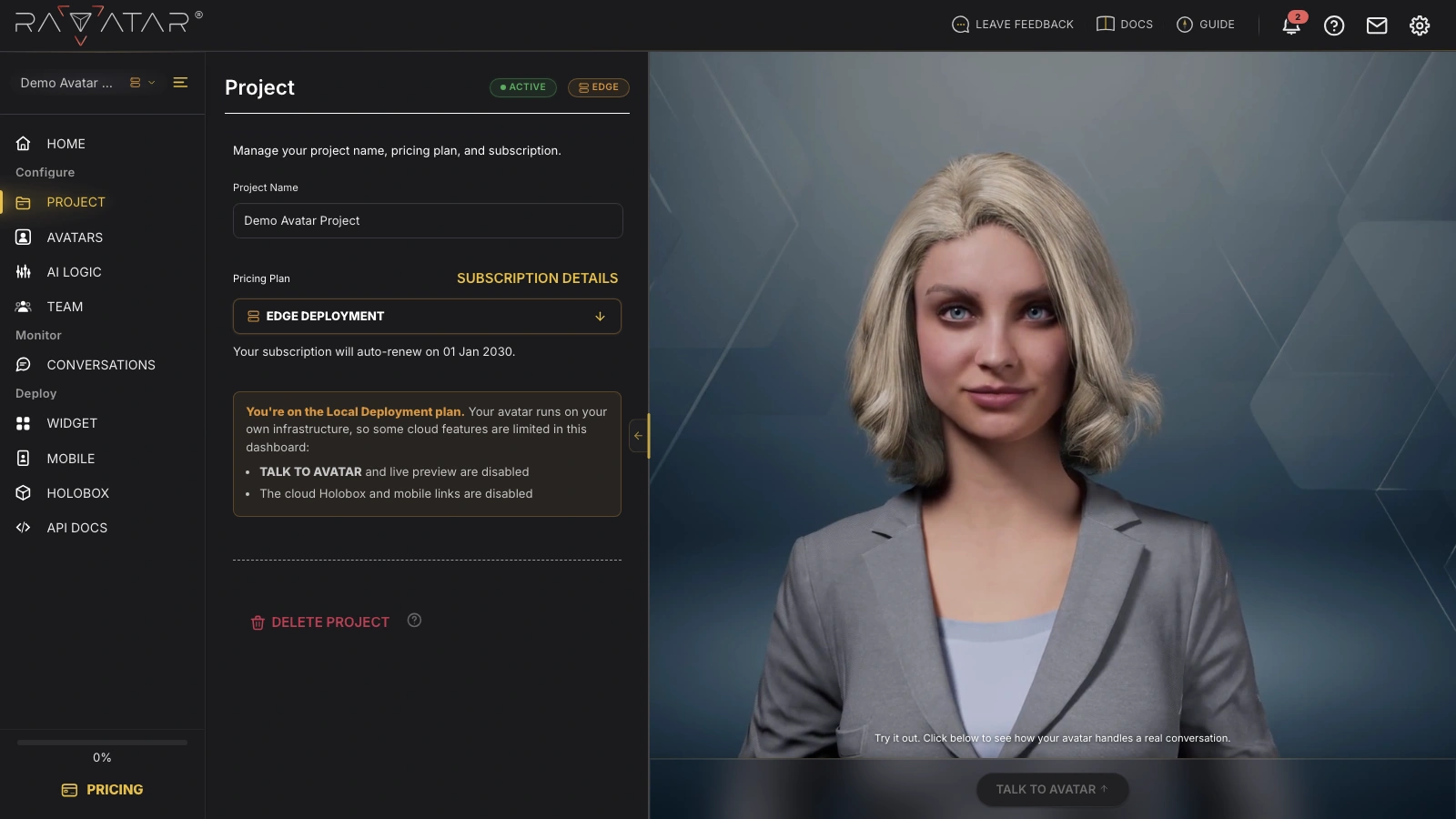
- An EDGE badge sits next to the project status at the top of the PROJECT section, on the project tile in the dashboard, and beside the project name in the switcher.
- The Pricing Plan field reads Edge Deployment instead of a standard cloud tier.
- A highlighted notice explains that your avatar runs on your own infrastructure and lists the cloud features that stay limited while the project is on this plan.
Because the plan is provisioned together with Ravatar, the self-serve Activate/Cancel Subscription control is not shown – there is no cloud subscription to renew or cancel from the dashboard.
How Local Deployment works
On a standard cloud plan, your avatar is rendered in the Ravatar cloud and streamed to your holobox over a Holobox Link. Local Deployment moves that work onto hardware you control: the avatar model, speech, and responses are produced by your local instance – for example, the onboard GPU of a RAVABOX unit – rather than by a cloud session.
Since conversations run on your own instance, they aren’t metered against a cloud conversation-minute allowance, and the dashboard’s cloud usage and subscription controls don’t apply the way they do on a standard plan.
What stays available and what’s limited
Local Deployment only switches off the features that depend on a live Ravatar cloud session. Everything you set up in the wizard still applies to the avatar running on your instance.
Still available
You can edit your avatar, AI logic, team, and the rest of the project configuration exactly as on a standard plan.
Limited on this plan
Local Deployment only switches off the features that need a live Ravatar cloud session. On each affected page, the dashboard replaces the cloud action with a short note that explains why.
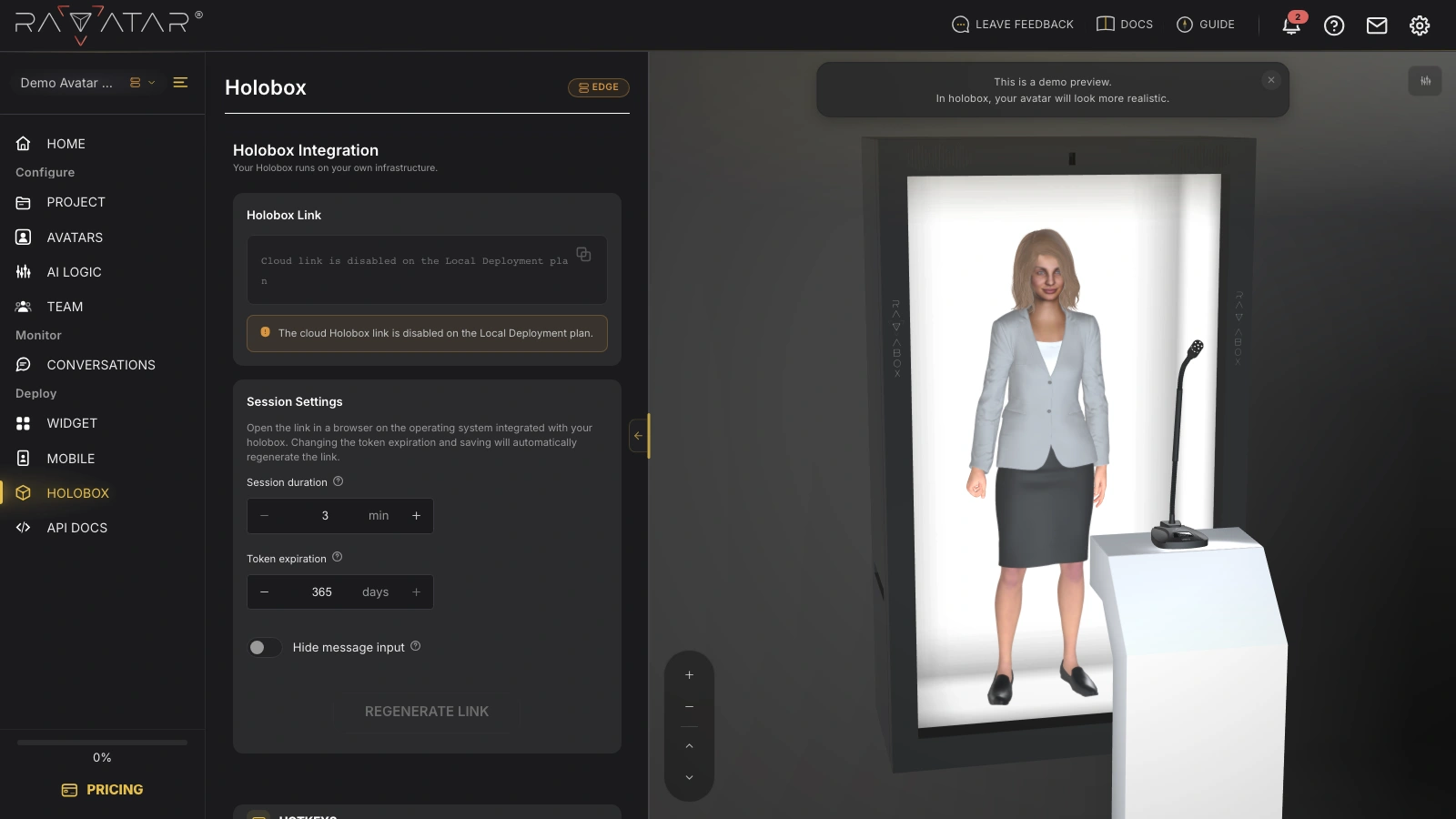
On the HOLOBOX page, the Holobox Link is disabled – the subtitle confirms that your holobox runs on your own infrastructure, and a note explains that the cloud link isn’t used on this plan:
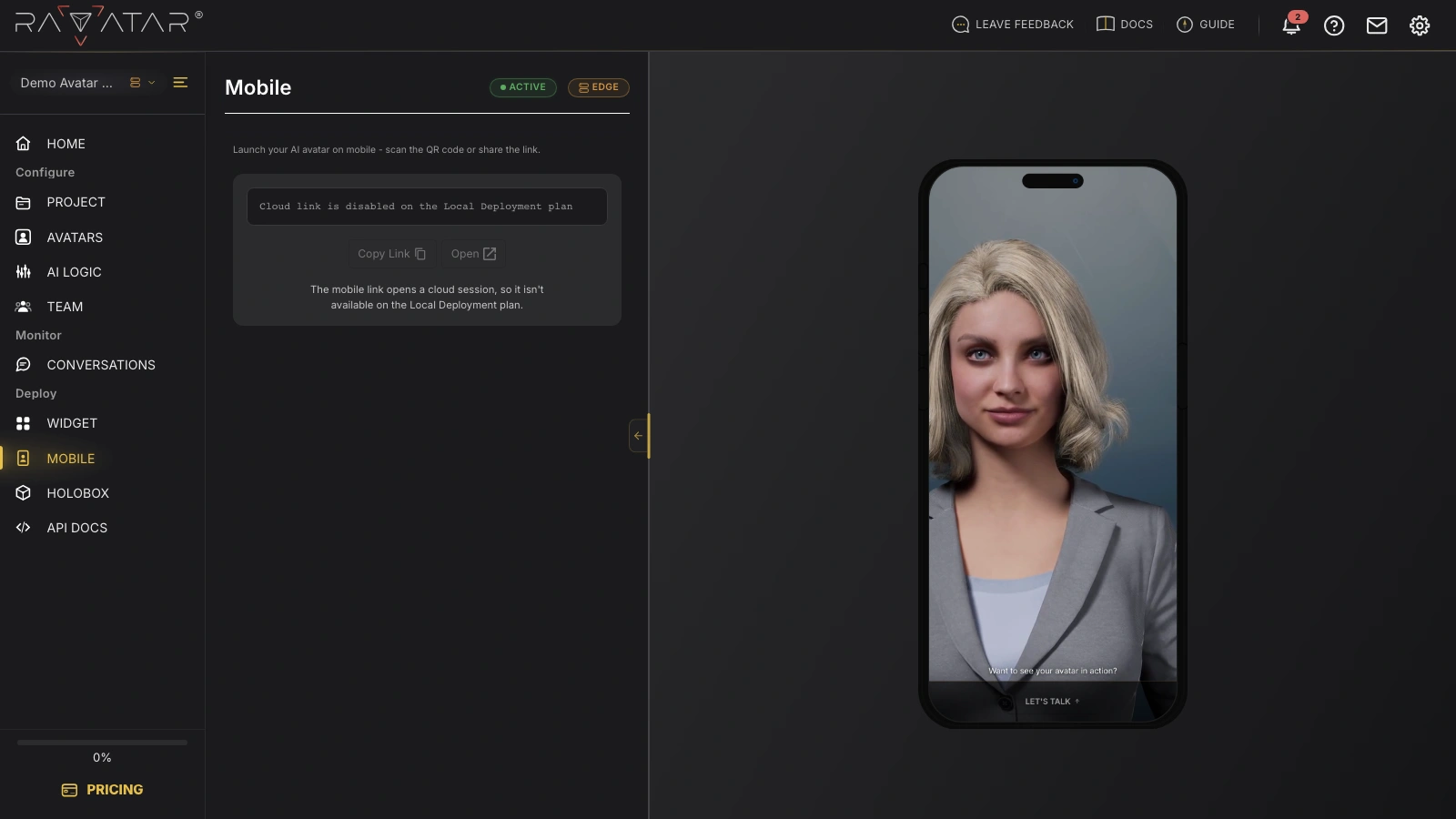
The MOBILE link and its QR code are unavailable for the same reason – the mobile link opens a cloud session:
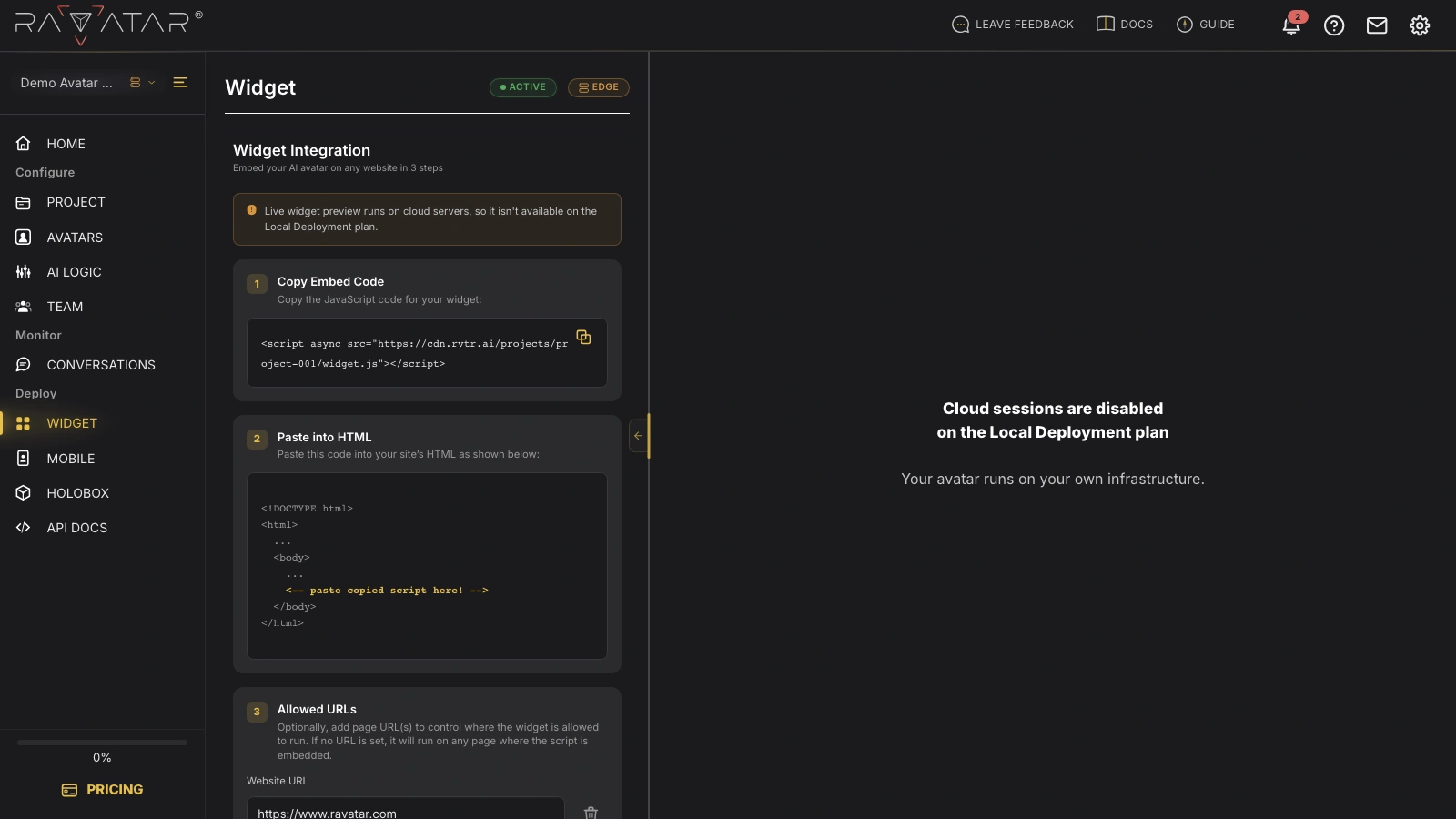
The website WIDGET runs on cloud servers as well, so it isn’t available on the Local Deployment plan. The section shows a note explaining this, and the live preview is replaced with a message that cloud sessions are disabled:
The Talk to Avatar button and the in-dashboard live preview are disabled as well, since the dashboard can’t open a cloud session to your avatar.
Every limited item relies on a live Ravatar cloud session for previewing or sharing your avatar. The avatar itself, and everything you configure for it, runs on your own instance.
Why choose Local Deployment
- Your own infrastructure – the avatar runs entirely on hardware you control, so it doesn’t consume Ravatar cloud streaming or compute resources, and cloud conversation minutes don’t apply.
- On-site processing – rendering and responses happen locally, for example on a RAVABOX’s onboard GPU, so each session doesn’t depend on a live connection to the Ravatar cloud.
- Built for fixed installations – conversations are processed on-site, which suits kiosks and holobox installations in controlled or connectivity-limited venues.
Setting up Local Deployment
The Local Deployment plan is arranged together with Ravatar, since it depends on your hardware and installation. To move a project onto Local Deployment – or to plan a new holobox installation that runs locally – use the Contact Us form, and our team will set up the deployment that fits your environment.
For the display hardware itself – the turnkey RAVABOX unit or the requirements for a custom holobox – see the HOLOBOX section, which also covers the cloud-streamed setup you can compare against Local Deployment.