AVATARS
This section offers a versatile lineup of AI avatars, styled for diverse real-world roles, cultural backgrounds, and industries. From polished and professional to bold and expressive, each character brings its own unique look and voice.
Some of the avatars in this selection are marked as Premium (indicated by a small crown icon on their tile). Clicking on such an avatar will open a request form to contact our team for details on how you can get it for your project, including any additional costs if applicable.
The collection is designed to cover a broad spectrum of business needs, with new characters added regularly, so there’s always something fresh to explore. And if you’re looking for something truly one-of-a-kind, our team can build a custom AI avatar for you, tailored in both look and performance to perfectly match your style, brand, and purpose.
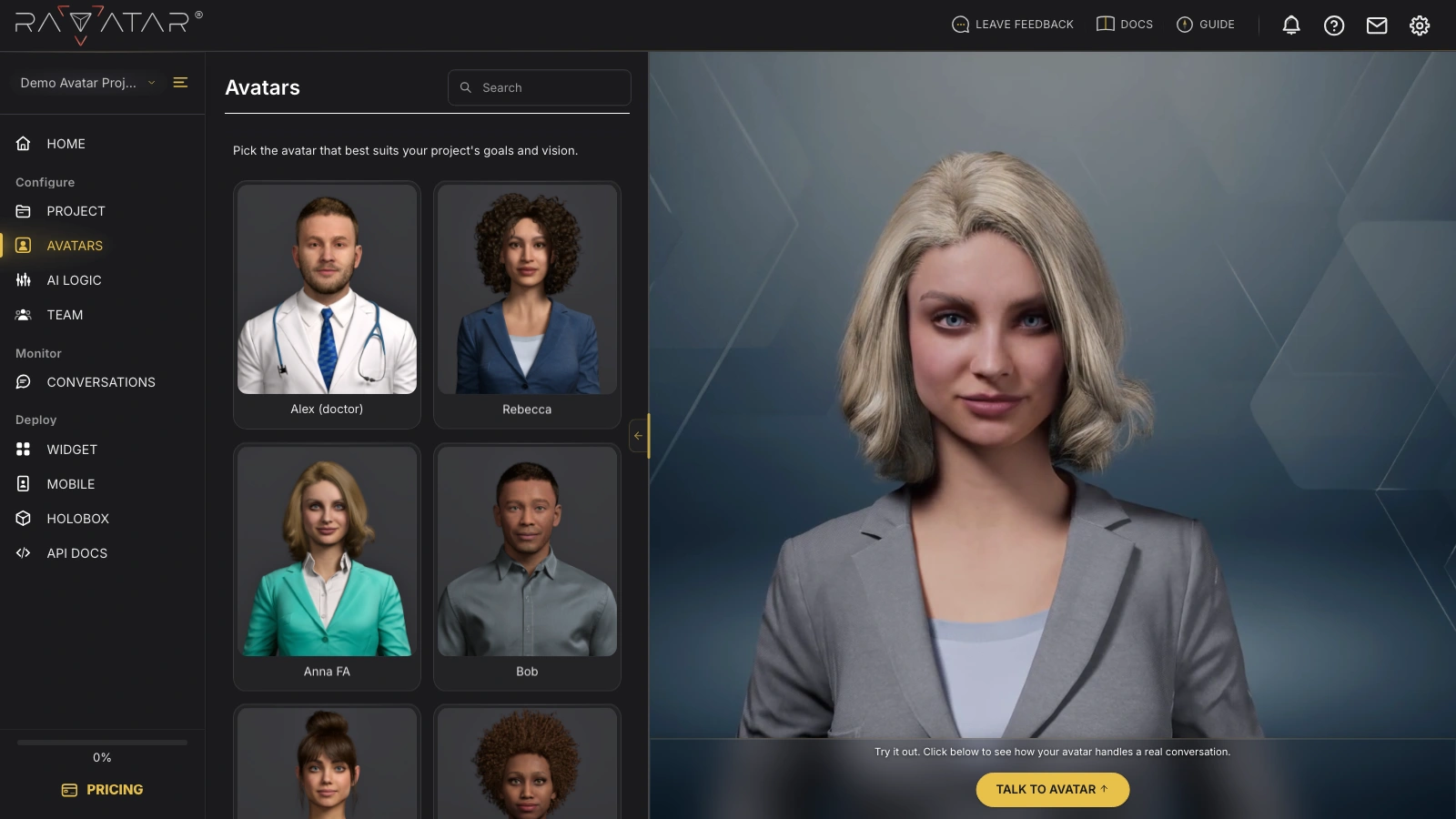
When selecting a non-premium avatar, you’ll see it in motion in the right-hand Avatar Display section, where you can also try it in a real-time conversation (if having an active subscription).
Once you’ve picked the avatar that fits your vision, click Save below to apply the change.
Requesting a Custom AI Avatar
If none of the ready-made avatars match your project, the RAVATAR team can build a custom AI avatar for you – a digital human with its own look, expressions, and personality, aligned with your brand and audience.
Beyond the visual side, we can also handle advanced services such as training the avatar on your own database, integrating it with custom or on-premise AI systems, deploying it on-premises within your infrastructure, and carrying out other specialized work to ensure it fits seamlessly into your operational environment.
There are two ways to start:
- Custom Avatar from Photos – we build the character from three to ten photos of a real person. The guide covers what to photograph, the accepted file formats, and how to send the request from the AVATARS wizard section.
- Your MetaHuman – you already have a MetaHuman character of your own and hand it over instead of starting from photos.