Gemini Live Native Audio
Gemini Live Native Audio is a variant of the Gemini Live engine that generates speech directly inside the model instead of using a separate voice synthesis step.
Since the engine produces voice on its own, the separate TEXT TO SPEECH section is hidden while Gemini Live Native Audio is selected.
Compared to the standard Gemini Live engine, this one trades configurability for simplicity: it runs on the platform’s built-in access, so there’s no API key to manage, and it offers no RAG grounding – speech and replies come straight from the model. Choose it when you want a working voice setup in a couple of clicks; stay with Gemini Live if you need your own Gemini key or answers grounded in your documents.
Selecting the engine reveals its settings. Unlike Gemini Live, this option has no API key field – pick the Model and Voice from the lists provided. You can listen to a sample of each voice by clicking the play button next to it.
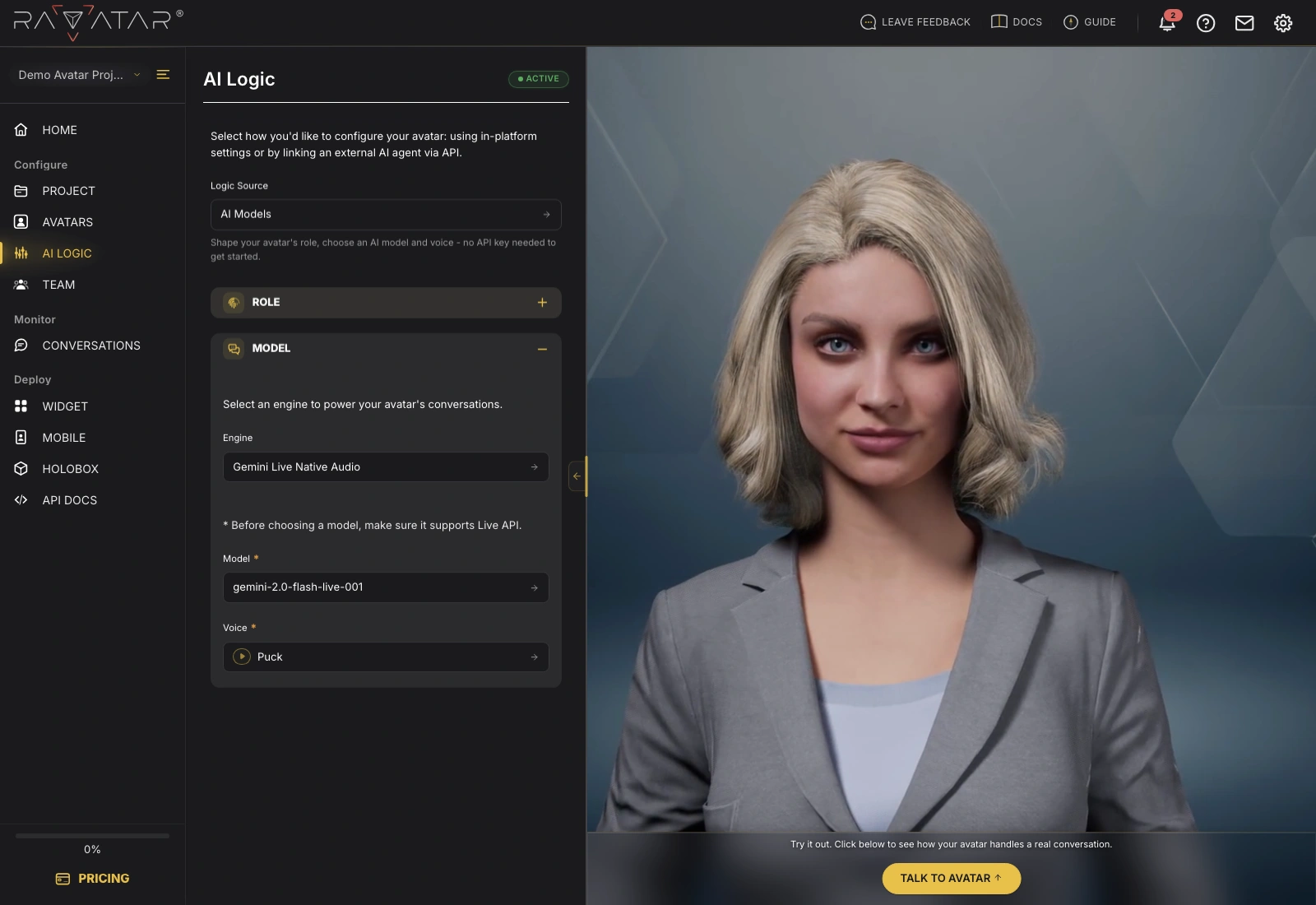
Click Save to apply the configuration, then talk to your avatar in the Live Preview panel to hear the result.