OpenAI Realtime
OpenAI Realtime is a live speech-to-speech engine: the avatar streams audio to and from OpenAI’s Realtime API, which recognizes the user’s speech and generates the spoken reply itself.
Note:
Since the engine produces voice on its own, the separate TEXT TO SPEECH section is hidden while OpenAI Realtime is selected.
Selecting the engine reveals its connection settings:
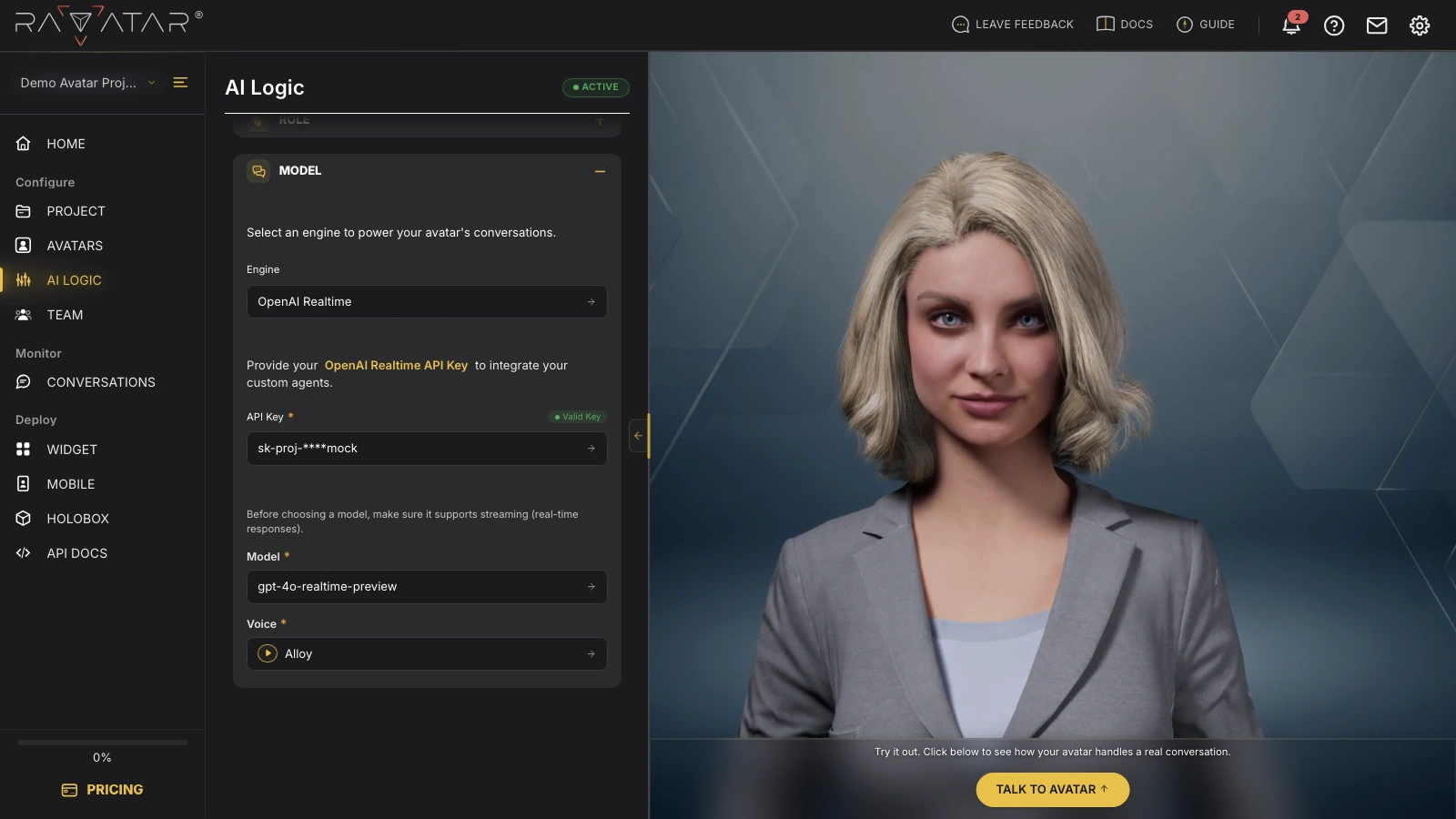
- API Key – this engine requires your own OpenAI API key, created in the OpenAI dashboard. Enter it in the field (or pick one you’ve saved earlier from the drop-down list). The key is verified automatically, and a Valid Key or Invalid Key badge next to the field shows the result.
- Model – once the key is validated, choose a model from your OpenAI account. Pick one that supports streaming: realtime-capable models have realtime in their names (e.g. gpt-4o-realtime-preview). If the avatar stays silent after setup, a wrong model choice here is the first thing to re-check.
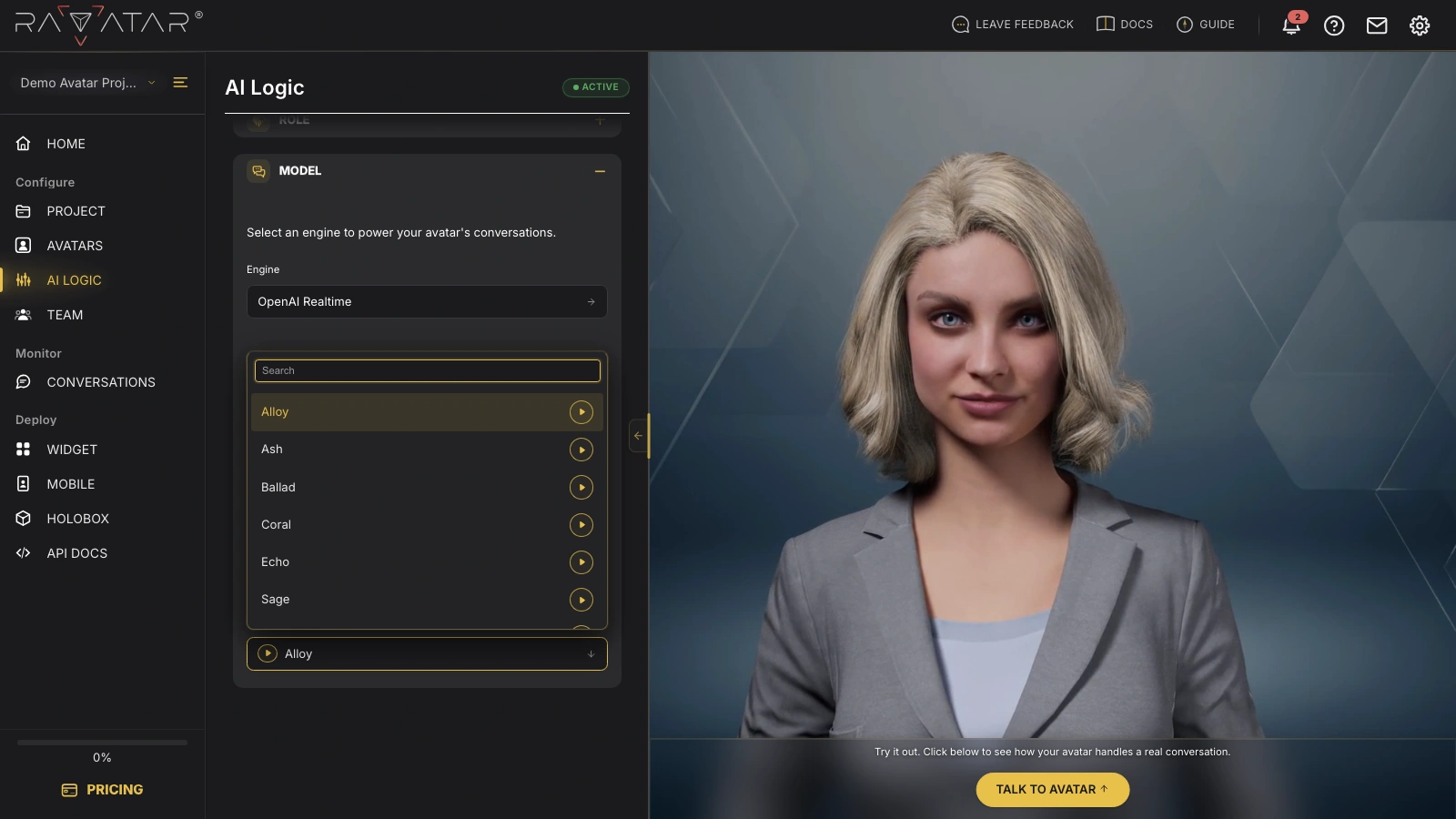
- Voice – pick the voice your avatar will speak with. You can listen to a sample of each option by clicking the play button next to it.
Note:
OpenAI bills conversations through the Realtime API separately, based on your account’s API rates.
When you’ve finished the setup, click Save to apply the configuration, then talk to your avatar in the Live Preview panel to hear the new engine.